How a Small Landing Page Change Can Kill Conversions
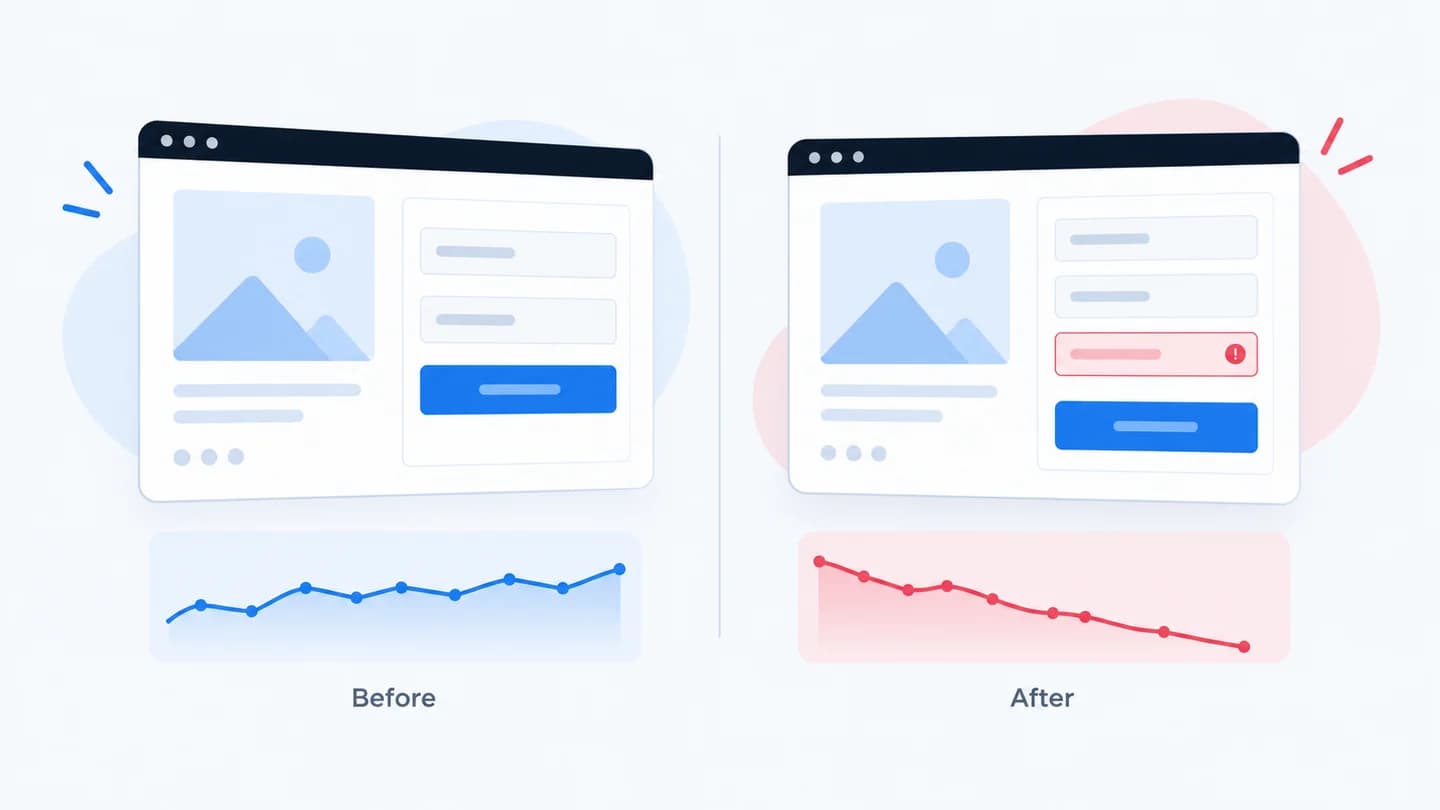
Most landing page conversion drops don't come from a redesign. They come from a small change that nobody thought was risky: one extra field, a button moved below the fold, a script added to the head. The traffic is the same, the ads are the same, and conversion falls anyway.
Why small changes hit hard
A landing page is a sequence of small commitments. Each step (read, scroll, start the form, submit it) loses some people. A change that adds a second of load time or one more decision doesn't remove one step; it taxes every step after it.
That's why the size of the edit tells you nothing about the size of the impact. What matters is where in the sequence it landed. A one-line change to form validation touches everyone who tries to convert.
Small changes also skip review. A CMS copy edit, a new tag, or a vendor update to an embedded form doesn't feel like a launch, so nobody watches the numbers afterwards.
The changes that most often cost conversions
- A new required field. The classic is phone. See required phone fields and form submit rate.
- The CTA moved. Pushed below the fold, or now competing with a second button.
- A new script. Chat widgets, heatmaps, and tag managers all add weight, and a broken one can block the form.
- Consent or cookie banners. A banner that covers the CTA on mobile removes the CTA.
- Copy or offer changes. A headline that no longer matches the ad breaks the promise that earned the click.
- A form embed swap. New embed, new validation rules, new failure modes.
- A redirect or URL change. A redirect that drops UTM parameters or lands on a different page.
Which change, which symptom
Different kinds of change leave different fingerprints in the funnel. Use this table to narrow down the suspect before you open the page.
| What changed | First stage that falls | Device pattern | Quick confirmation |
|---|---|---|---|
| Heavier page or new script | Landing views to form views | Worse on mobile and slow networks | Compare load time before and after, throttle to a mobile network in dev tools |
| Headline or offer copy | Landing views to form views | Usually all devices | Read the ad and the page side by side |
| CTA moved or hidden | Landing views to form views | Often mobile only | Scroll the page on a real phone |
| New or stricter form field | Form views to submits | All devices, larger on mobile | Fill the form with real, varied data |
| Broken submit or endpoint | Form views to submits (near zero) | One browser or all | Submit and watch the network tab |
| Tracking or tag change | Submits fall, CRM leads do not | Any | Compare submits against leads in the CRM |
The key split is between people never reaching the form and people reaching it and failing.
How to diagnose it
Compare the funnel stage by stage across the two periods: landing views, form views, form submits, leads in the CRM. The first stage that falls is where the change landed. If views hold and submits fall, the page delivered people to the form and the form lost them; that pattern is covered in form views are stable but submits dropped.
Then line the drop up against the page's change history. The change that shipped closest to the moment conversion moved is your first suspect, not the last thing you happen to remember.
How to confirm the cause step by step
- Pin the start time. Find the hour, not just the day, when the stage dropped.
- List everything that shipped in that window. CMS edits, tag manager versions, form builder changes, plugin updates, A/B test launches, ad edits.
- Split by device and browser. If one segment collapsed and the rest held, the change is layout or script related, not the offer.
- Test on a real phone. Open the page from an actual ad click so you land in the same in-app browser your traffic uses. Desktop responsive mode does not reproduce banners, keyboards, or in-app browser quirks.
- Open the browser console and network tab. Look for JavaScript errors on load and for the form's submit request. A failed request (4xx or 5xx) or a script error on submit is close to proof.
- Submit with realistic data. Use a work email, an email with a plus sign, a phone number with spaces and a country code. Stricter validation often only breaks for some inputs.
- Check the event stream. In GA4 DebugView or your tag manager preview, confirm the form view and submit events still fire once each.
- Check the CRM. If leads still arrive there at the old rate, the funnel is fine and the measurement broke.
Example
Illustrative scenario. A consent banner was added on a Thursday. Desktop conversion barely moved; mobile conversion fell by a third, because on smaller screens the banner sat over the submit button until dismissed. Nothing in the campaign changed: the page did.
Here is how the numbers looked over the same three weekdays before and after (illustrative figures):
| Stage | Before | After | Change |
|---|---|---|---|
| Mobile landing views | 3,000 | 2,950 | Flat |
| Mobile form views | 1,200 | 1,180 | Flat |
| Mobile submits | 96 | 64 | Down a third |
| Desktop submits | 60 | 58 | Flat |
Form views held because people could still scroll to the form. They just couldn't reach the button. The form submit rate on mobile went from 8% to about 5.4%, while desktop stayed where it was. That split pointed straight at something mobile-only that had shipped on Thursday.
Common false alarms
Not every drop after a deploy is caused by the deploy. Before you blame the page, rule out:
- Traffic mix changes. A new campaign or audience that converts lower can arrive the same day as a page edit. Check source and campaign mix before and after.
- Day-of-week effects. Comparing a Monday to a Saturday will show a "drop" on most B2B pages.
- Small samples. A page with 20 conversions a week can swing by a third through noise alone. Wait for enough volume, or compare longer windows.
- Tracking changes shipped alongside the edit. If the same deploy touched the tag manager, a drop in counted submits may be a counting problem.
How to roll back safely
If the drop is severe and one change is the clear suspect, rolling back is a legitimate first move. Do it in a way that still teaches you something:
- Roll back one change at a time. If three things shipped together, reverting all of them restores conversion but tells you nothing about which one caused it.
- Write down the exact time of the rollback. You'll need it to compare recovery against the drop.
- Keep the broken version. Save the old form config, tag manager version, or page revision so you can reproduce and fix the issue later.
- Confirm recovery at the same stage. If submits were the stage that fell, confirm submits recover, not just total leads.
For a structured walk through the whole funnel, the conversion drop diagnostic covers the other stages too.
How Quarkad helps
Quarkad watches the landing page and the funnel stages together. When conversion drops, the page and form changes that happened just before it (fields added or removed, content changes) are already on the incident timeline, ranked by how well they line up with the drop, so you can check the likely cause instead of reconstructing what shipped. See landing page conversion drop.
Related
- Landing page conversion drop
- How to monitor landing page changes without manual QA
- Conversion drop diagnostic
- Marketing incident report template
- Mobile landing page issues that reduce lead volume
FAQ
How quickly does a page change show up in conversion? Usually immediately for the traffic that arrives after it ships, which is why a same-day comparison against the deploy time is more useful than a week-over-week average.
Should I roll back before I understand the cause? If the drop is severe and one change is the obvious suspect, rolling back is a legitimate first move, but record what you rolled back so you can confirm the recovery came from it.
How long should I wait before calling it a real drop? Long enough to collect a meaningful number of conversions in the new period. On a high-volume page that can be hours; on a page with a handful of leads a day, give it several days and compare like-for-like weekdays.
What if nothing shipped to the page? Then look at what loads into it: third-party scripts, embedded forms, and chat widgets can change without any edit on your side. Also check the ads, since a new campaign or audience can change who lands on the page.