How to Monitor Meta Ads Changes for Conversion Drops
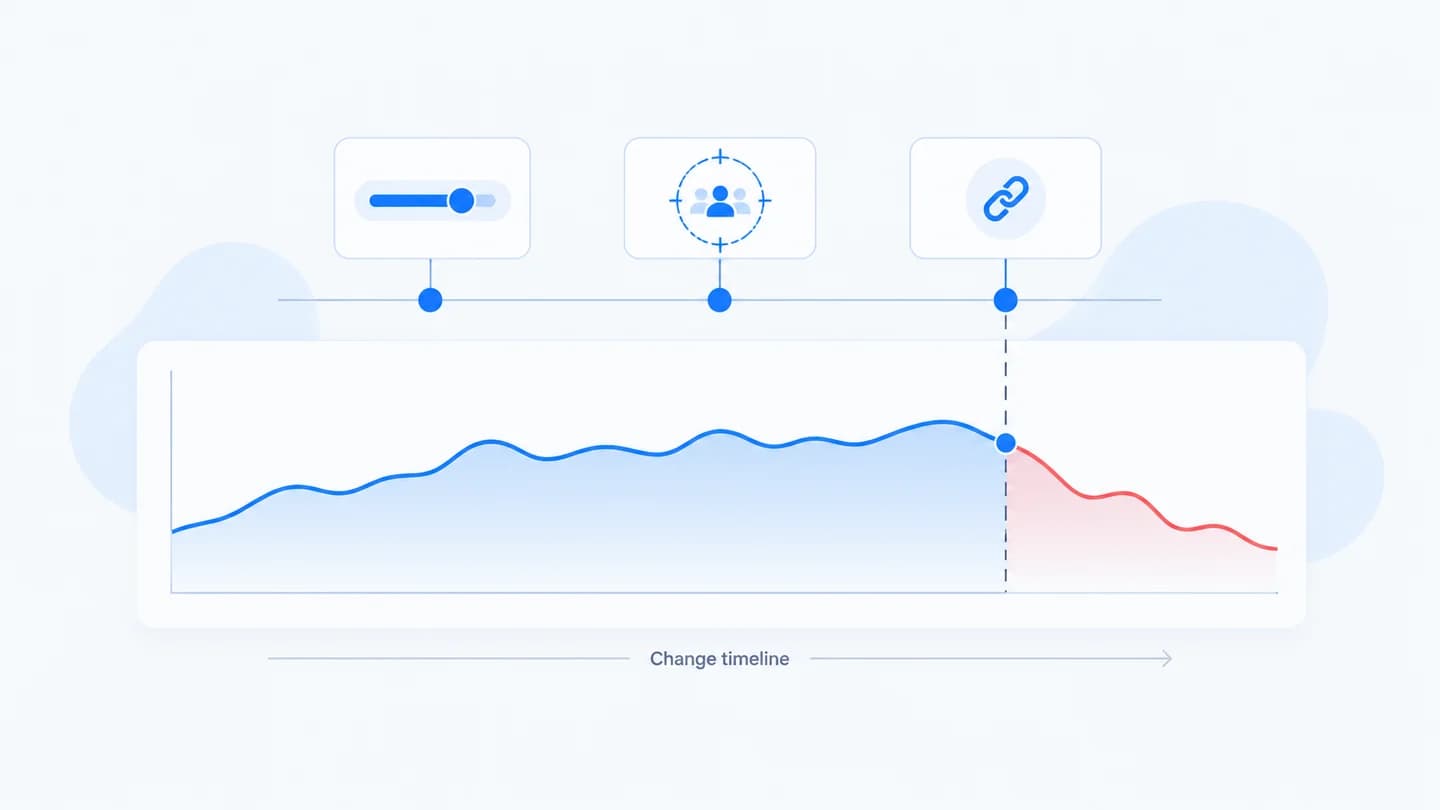
Most Meta Ads conversion drops have a cause that was hiding in plain sight: a change someone made and nobody wrote down. Monitoring the changes, not just the metrics, is what turns a drop from a mystery into an answer.
Why metrics alone aren't enough
A dashboard tells you leads fell. It doesn't tell you that budget was cut, an ad was rejected, or the audience was widened three hours earlier. Without the change history, every drop starts as a guess. Pairing metrics with a change timeline is the whole idea behind conversion incident intelligence, and the practice itself is usually called ad change monitoring.
On agency accounts the problem is worse. Several people touch the same ad account: the media buyer, a strategist, sometimes the client's in-house team, plus Meta's own automated changes such as ad rejections. When leads drop on a Thursday, nobody remembers who edited what on Tuesday.
What to monitor on Meta
Watch changes at all three levels, because the level tells you how wide the impact can be.
Campaign level
- Budget and bid strategy changes. The most common lead-volume mover. See budget changes and lead volume.
- Status changes. A paused campaign, or one that stopped delivering because its schedule ended.
- Objective changes. A different objective can change who Meta optimizes for.
Ad set level
- Budget and bid amount changes, when budgets live on the ad set.
- Audience and targeting edits. Same spend, different people.
- Optimization goal or conversion event changes. Optimizing for a different event can change lead quality and volume at once.
- Schedule changes. A new end date or start date.
Ad level
- Creative swaps. New copy, image, video or call to action can reset learning and shift performance.
- Destination URL and URL parameter edits. A changed link or broken UTM tags can send traffic to the wrong page or break attribution in your CRM.
- Status changes, including rejections. An ad that was rejected after review stops delivering, and if it was the best performer, leads follow.
What to monitor after the click
Meta changes are only half the path. Watch the landing page, form fields, and the lead and CRM handoff too, so you can tell a delivery problem from an on-page one. A form that gained a required field or a page that lost its submit button on mobile produces exactly the same symptom in Ads Manager as a bad campaign edit. See how to monitor landing page changes and how to detect form to CRM breaks.
Where Meta's own history lives
Meta gives you the raw material, but it is spread out.
- History in Ads Manager. Open a campaign, ad set or ad and view its history. It lists edits with the user and time, and usually the old and new values. You can also open an account level activity history to see changes across the account.
- Account Quality. Shows rejected ads, restrictions and account issues. A rejection does not always appear the way a manual edit does, so check here when delivery stops suddenly.
- The Delivery column. Shows Active, Learning, Learning limited, or why something is not delivering.
- Events Manager. Not a change log, but a drop in a specific event on a specific day is a strong signal that something changed on the site or in tracking.
The limitation is that you have to go looking, campaign by campaign, after the drop has already happened. Nothing lines the edits up against your lead curve for you.
A simple manual setup
If you are not using a tool, this routine covers most cases:
- Keep one shared change log per client. Date, time, who, level (campaign, ad set, ad, site), what changed, old value, new value, why.
- Add a daily check of the Delivery column and Account Quality for rejections or restrictions.
- Track daily leads against a baseline. For example, the same weekday averaged over the last four weeks. Flag any day that falls well below that range.
- When a day is flagged, read the log backwards from the first bad day, and check Ads Manager history for anything that is not in the log.
- Include site changes in the same log. Landing page releases and form edits belong next to the ad edits.
Make it continuous
Manual change logs get skipped exactly when things are busy. Continuous monitoring records every change automatically and aligns it with the moment leads move, so the cause is already on the timeline when you look.
A worked example
Illustrative scenario, times and numbers are made up for the example. An agency runs lead gen for a dental group. Normal Tuesday volume is about 18 leads.
| Time | Event |
|---|---|
| Mon 10:05 | Creative refresh: two new ads added to the main ad set |
| Tue 11:40 | Ad set audience expanded from a city radius to the whole region |
| Tue 14:00 | Cost per lead starts climbing, hourly leads fall |
| Tue 16:30 | Website team publishes a new form version |
| Tue end of day | 9 leads instead of about 18 |
Two changes line up with the drop, so you check them in order of timing. The audience expansion at 11:40 came first and cost per lead rose shortly after, while on-site submit rate stayed normal until 16:30. After 16:30 the submit rate on the page also falls. That makes two separate incidents: a delivery change that raised cost per lead, and a form change that cut the submit rate. Without the timeline, the team would likely have reverted the audience, seen only a partial recovery, and kept guessing.
Common mistakes when monitoring changes
- Only watching campaign level. Most edits that hurt leads happen at ad set or ad level.
- Ignoring changes nobody made by hand. Rejections, schedules ending and learning limited statuses all change delivery.
- Treating every change as the cause. Accounts change daily. A change is a suspect only if it lines up with the first day the metric moved and fits the stage that broke.
- Logging ad changes but not site changes. Half of the "Meta" drops are on the page.
How long to wait before calling it a drop
One bad hour is noise. For most lead gen accounts, a full day well below the same weekday's normal range is worth investigating, and two days is a pattern. If leads go to zero while spend continues, act immediately: something is broken, and waiting only costs budget.
How Quarkad helps
Quarkad tracks Meta Ads budget, bid, status, targeting, creative and URL changes at campaign, ad set and ad level, along with landing page, form and HubSpot handoff changes. When a conversion drop starts, it raises an incident with the changes that line up in time and a likely cause. See Meta Ads monitoring.
Related
- Meta Ads leads dropped? What to check first
- How to build a conversion drop investigation checklist
- Marketing incident report template
- Meta Ads lead drop checker
FAQ
Isn't a shared change log enough? It helps, but it depends on everyone logging every change every time. Automatic change monitoring doesn't rely on memory, so nothing goes untracked.
Which Meta changes cause the most conversion drops? In practice, budget cuts, paused or rejected ads, audience edits and destination URL changes are the usual suspects. Which one matters depends on the stage that dropped: delivery metrics point at campaign edits, on-page metrics point at the page.
How far back should I look for the cause? Start from the first day the metric left its normal range and look back a few days. Learning phase effects from an edit can show up a day or two later, so an edit two days earlier can still be the cause.
Does Meta show who made a change? Yes. The history view in Ads Manager shows the user who made each edit and when, which is useful on shared agency accounts. Automated events such as rejections are easier to find in Account Quality.